
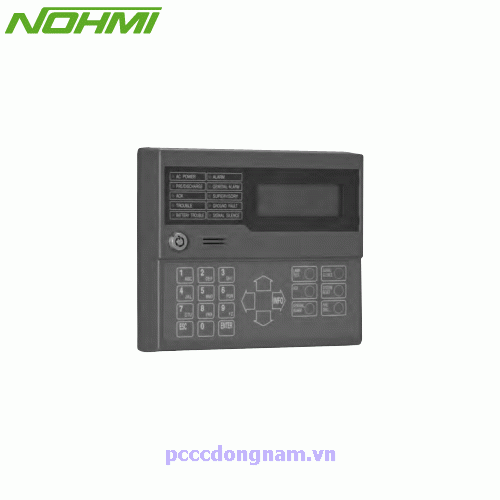
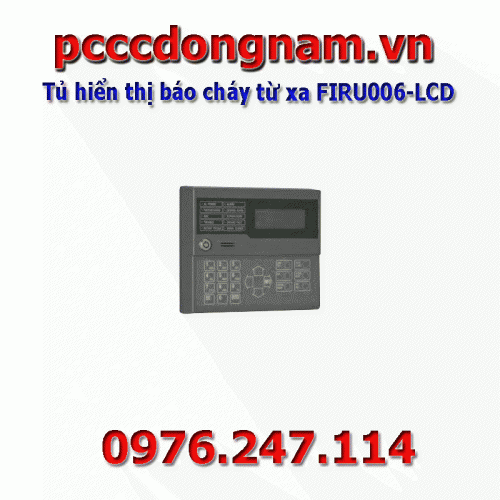
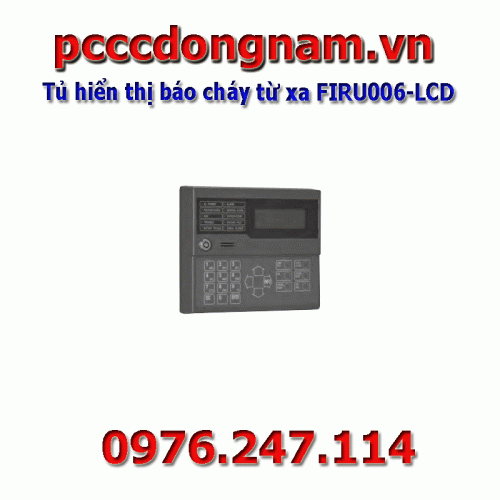
FIRU006-LCD remote fire alarm display cabinet
The FIRU006-LCD is an LCD remote fire alarm for the Integlex Multicrest
™ S508 Fire Alarm control panel FIRU006-LCD communicates using an RS-485 connection to the main control panel providing the indicator general alarm, monitoring, Fault and other system control and status functions , FIRU006-LCD features a 20x4 LCD display with LEDs for Power, Alarm, Monitoring, Failure and Power conditions and Silent. It can be mounted on a standard 2 gang electrical box or a standard 4" square electrical box. The keypad works only when the key lock security switch is set to the allowable position.
Function
• System control function equivalent to FACP
• Compact and lightweight unit
• LCD unit 20 letters x 4 lines
• 10 status LEDs
• 6 system control switches, ten keys and arrow keys
• Key lock switch to protect system control switch operation
• Built-in buzzer
• Red
• Easy to install
Specifications
| No | Item | Specifications |
| 1 | Maximum voltage current 24 VDC | 65 mA |
| 2 | Working temperature range | 0°C to 49°C (32°F to 120°F) |
| 3 | Applicable baud rate of RA-bus | 2400, 4800, và 9600bps |
| 4 | Type of bus talking wire | NFPA class B (type 4) |
| 5 | Maximum remote reporting | 31 |
| 6 | Connect remote reporting | RS-485 |
| 7 | Use | NEM-1 (trong nhà) |
| 8 | Size | 150mm (5.91 inches) (H)× 178mm (7.01 inches) (W)×38.2mm (1.50 inch) (D) |
| 9 | Electrical box applicable for installation | 64mm (2-1/2 inch) deep 2-gang box North America Standard 4-inch square box 38mm (1-1/2 inch) deep box |
Wiring Diagram
- The FIRU006-LCD is connected to the S508 using a four-wire RS-485 connection. Connections are power limited and monitored. Up to Thirty-one (31) remote alarm devices can be connected using NFPA Class B (Type 4) wiring.
- Example of wiring FIRU006-LCD type NO
.png "Tủ hiển thị báo cháy từ xa FIRU006-LCD")
Set the notification address
.png "Tủ hiển thị báo cháy từ xa FIRU006-LCD")
1) Turn on switch 1 of Dip Switch S1, then input 24 VDC to TB1
2) The FIRU006-LCD displays the LCD screen as follows. Set the specified number with the 0 -9 key. Then press the ENT key.
3) Turn off switch 1 of Dip Switch S1, FIRU006-LCD will initiate initialization.
Please see similar products….HERE
You will receive a quote from us as soon as possible..
Related products
Have 0 comment, evaluate about FIRU006-LCD remote fire alarm display cabinet
TVAdministratorsAdministrators